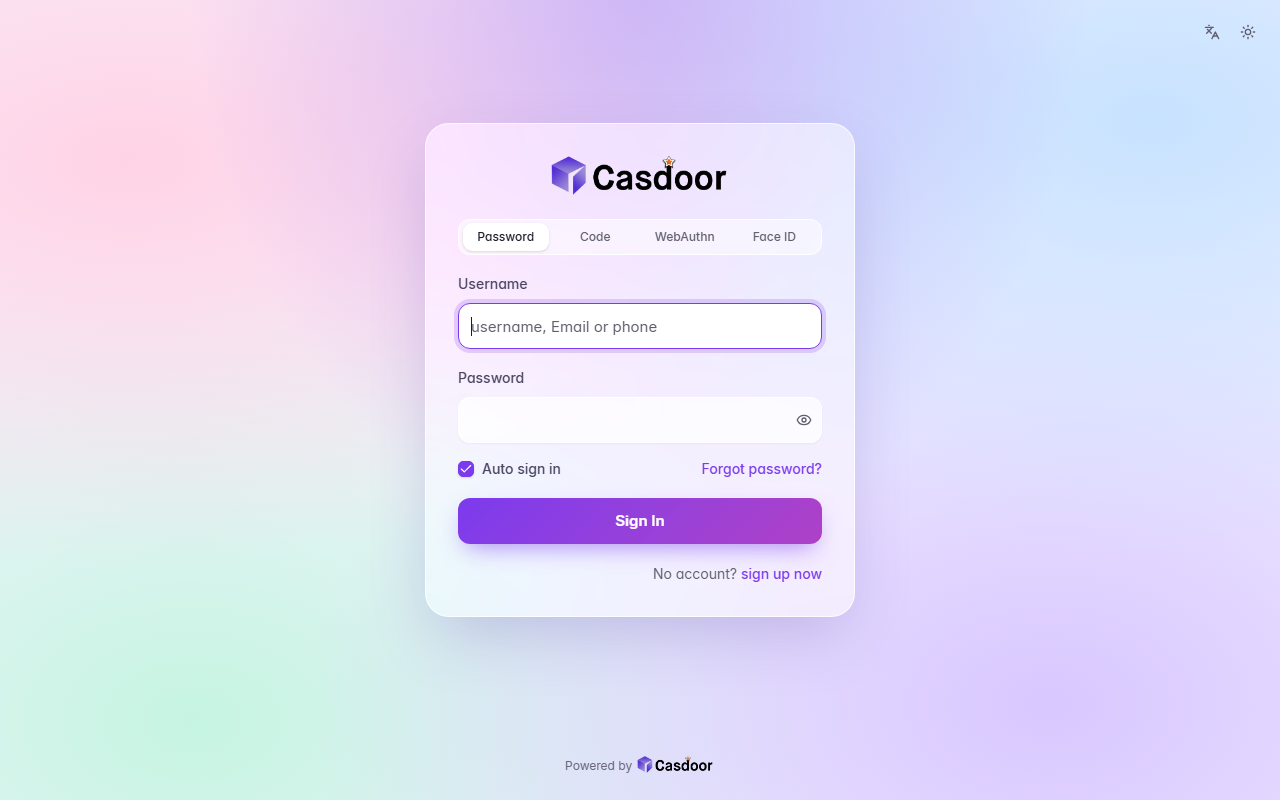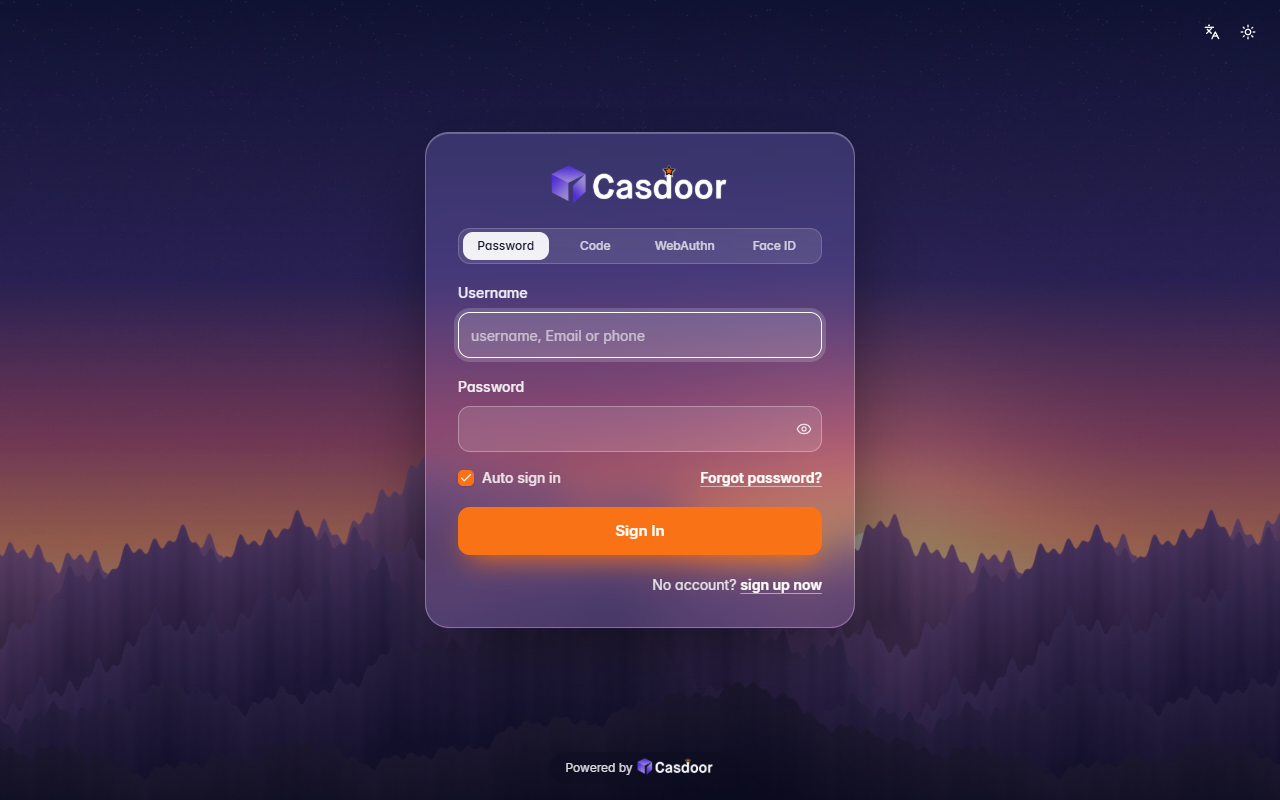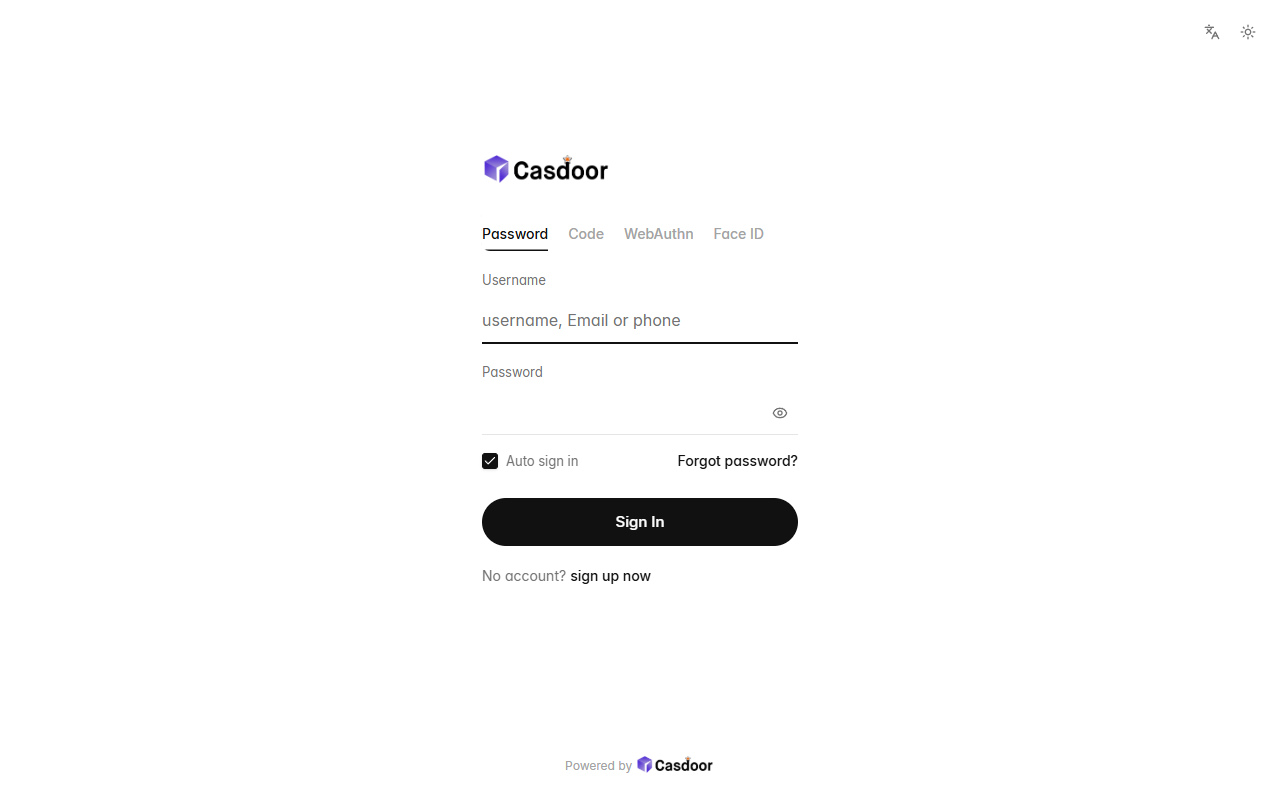
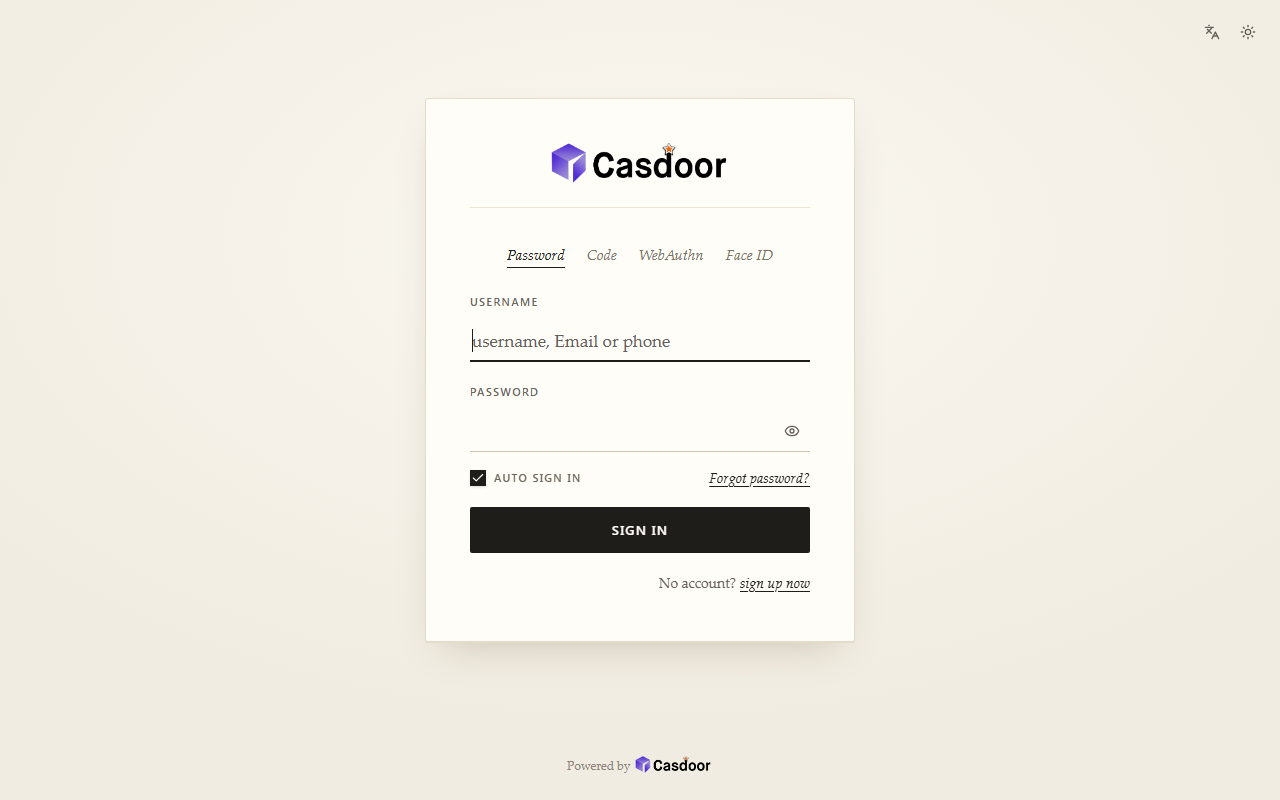
会改哪些设置
| 主题 | default |
|---|---|
| 圆角 | 2px |
| 表单位置 | 居中 |
| 表单CSS | 是 |
| 表单CSS(移动端) | 是 |
这些都在 Casdoor 应用的 界面定制 标签页里,套用主题之后还可以继续调整。
套用到应用
- 在下面填好应用,调整主题的设置,然后复制 JSON。
- 在 Casdoor 控制台打开 应用,编辑这个应用,点击顶部的 导入JSON,粘贴 JSON 后点 确定。
- 点击 保存。下次打开登录页时就会用上这个主题。
{
  "name": "<应用名称>",
  "organization": "<组织>",
  "themeData": {
    "themeType": "default",
    "colorPrimary": "#1f1d1a",
    "borderRadius": 2,
    "isCompact": false,
    "isEnabled": true
  },
  "formOffset": 2,
  "formCss": "<style>\n.login-background {\n  color-scheme: light;\n  --background: 43 33% 94%;\n  --foreground: 36 9% 11%;\n  --card: 43 100% 99%;\n  --card-foreground: 36 9% 11%;\n  --muted: 42 30% 91%;\n  --muted-foreground: 33 6% 38%;\n  --accent: 42 30% 90%;\n  --accent-foreground: 36 9% 11%;\n  --border: 41 27% 84%;\n  --input: 40 20% 74%;\n  font-family: Charter, 'Iowan Old Style', 'Palatino Linotype', Palatino, Georgia, 'Noto Serif', 'Songti SC', serif;\n}\n.login-background {\n  background: radial-gradient(1200px 700px at 50% 30%, #faf7f0 0%, transparent 70%), #f1ece1;\n}\n.login-content > div {\n  max-width: 430px;\n}\n.login-panel {\n  padding: 44px 44px 16px;\n  border: 1px solid #e4dccb;\n  border-radius: 3px;\n  background: #fffdf8;\n  box-shadow: 0 1px 0 #e4dccb, 0 18px 40px -18px rgba(70, 50, 20, 0.25);\n}\n.login-logo-box {\n  margin-bottom: 28px;\n  padding-bottom: 24px;\n  border-bottom: 1px solid #ece5d6;\n}\n.signin-methods > div {\n  background: transparent;\n  border-radius: 0;\n  padding: 0;\n}\n.signin-methods [role='tablist'] {\n  gap: 22px;\n}\n.signin-methods [role='tab'] {\n  flex: none !important;\n  padding: 0 !important;\n  border-radius: 0;\n  background: transparent !important;\n  box-shadow: none !important;\n  color: #7a7468;\n  font-size: 15px !important;\n  font-style: italic;\n}\n.signin-methods [role='tab'][data-state='active'] {\n  color: #1f1d1a;\n  box-shadow: inset 0 -1px 0 #1f1d1a !important;\n}\n.login-form label {\n  color: #6b655a;\n  font-family: ui-sans-serif, system-ui, -apple-system, 'Segoe UI', sans-serif;\n  font-size: 11px;\n  font-weight: 600;\n  letter-spacing: 0.12em;\n  text-transform: uppercase;\n}\n.login-form input:not([type='checkbox']):not([type='radio']) {\n  height: 42px;\n  padding: 0 2px;\n  border: none;\n  border-bottom: 1px solid #cdc4b1;\n  border-radius: 0;\n  background: transparent;\n  font-family: inherit;\n  font-size: 17px;\n  box-shadow: none;\n}\n.login-form input:not([type='checkbox']):not([type='radio']):focus {\n  border-bottom: 1px solid #1f1d1a;\n  box-shadow: inset 0 -1px 0 #1f1d1a;\n}\n.login-form [role='checkbox'] {\n  border-color: #6b655a;\n  border-radius: 0;\n}\n.login-form [role='checkbox'][data-state='checked'] {\n  background: #1f1d1a;\n  border-color: #1f1d1a;\n  color: #fffdf8;\n}\n.login-form a {\n  color: #1f1d1a;\n  font-style: italic;\n  text-decoration: underline;\n  text-underline-offset: 3px;\n}\n.login-form .login-button {\n  height: 46px;\n  border-radius: 2px;\n  background: #1f1d1a;\n  color: #fffdf8;\n  font-family: ui-sans-serif, system-ui, -apple-system, 'Segoe UI', sans-serif;\n  font-size: 13px;\n  font-weight: 600;\n  letter-spacing: 0.1em;\n  text-transform: uppercase;\n  box-shadow: none;\n}\n.login-form .login-button:hover {\n  background: #1f1d1a;\n  opacity: 0.86;\n}\n#footer {\n  color: #8a8376;\n}\n.login-form .login-forget-password {\n  width: 100%;\n}\n</style>",
  "formCssMobile": "<style>\n.login-background {\n  color-scheme: light;\n  --background: 43 33% 94%;\n  --foreground: 36 9% 11%;\n  --card: 43 100% 99%;\n  --card-foreground: 36 9% 11%;\n  --muted: 42 30% 91%;\n  --muted-foreground: 33 6% 38%;\n  --accent: 42 30% 90%;\n  --accent-foreground: 36 9% 11%;\n  --border: 41 27% 84%;\n  --input: 40 20% 74%;\n  font-family: Charter, 'Iowan Old Style', 'Palatino Linotype', Palatino, Georgia, 'Noto Serif', 'Songti SC', serif;\n}\n.login-background {\n  background: #fffdf8;\n}\n.login-panel {\n  border: none;\n  background: #fffdf8;\n  box-shadow: none;\n}\n.login-logo-box {\n  padding-bottom: 20px;\n  border-bottom: 1px solid #ece5d6;\n}\n.signin-methods > div {\n  background: transparent;\n  border-radius: 0;\n  padding: 0;\n}\n.signin-methods [role='tablist'] {\n  gap: 22px;\n}\n.signin-methods [role='tab'] {\n  flex: none !important;\n  padding: 0 !important;\n  border-radius: 0;\n  background: transparent !important;\n  box-shadow: none !important;\n  color: #7a7468;\n  font-size: 15px !important;\n  font-style: italic;\n}\n.signin-methods [role='tab'][data-state='active'] {\n  color: #1f1d1a;\n  box-shadow: inset 0 -1px 0 #1f1d1a !important;\n}\n.login-form label {\n  color: #6b655a;\n  font-family: ui-sans-serif, system-ui, -apple-system, 'Segoe UI', sans-serif;\n  font-size: 11px;\n  font-weight: 600;\n  letter-spacing: 0.12em;\n  text-transform: uppercase;\n}\n.login-form input:not([type='checkbox']):not([type='radio']) {\n  height: 42px;\n  padding: 0 2px;\n  border: none;\n  border-bottom: 1px solid #cdc4b1;\n  border-radius: 0;\n  background: transparent;\n  font-family: inherit;\n  font-size: 17px;\n  box-shadow: none;\n}\n.login-form input:not([type='checkbox']):not([type='radio']):focus {\n  border-bottom: 1px solid #1f1d1a;\n  box-shadow: inset 0 -1px 0 #1f1d1a;\n}\n.login-form [role='checkbox'] {\n  border-color: #6b655a;\n  border-radius: 0;\n}\n.login-form [role='checkbox'][data-state='checked'] {\n  background: #1f1d1a;\n  border-color: #1f1d1a;\n  color: #fffdf8;\n}\n.login-form a {\n  color: #1f1d1a;\n  font-style: italic;\n  text-decoration: underline;\n  text-underline-offset: 3px;\n}\n.login-form .login-button {\n  height: 46px;\n  border-radius: 2px;\n  background: #1f1d1a;\n  color: #fffdf8;\n  font-family: ui-sans-serif, system-ui, -apple-system, 'Segoe UI', sans-serif;\n  font-size: 13px;\n  font-weight: 600;\n  letter-spacing: 0.1em;\n  text-transform: uppercase;\n  box-shadow: none;\n}\n.login-form .login-button:hover {\n  background: #1f1d1a;\n  opacity: 0.86;\n}\n#footer {\n  color: #8a8376;\n}\n.login-form .login-forget-password {\n  width: 100%;\n}\n</style>"
}